
How Can I Ask AI About a Photo With My Phone?
Chatbots.me and the AI Chat iOS app are practical starting points if you want to ask AI about a photo from your phone. In AI Chat, you upload an image, ask a direct question, and iterate with follow-ups to narrow down details. On Chatbots.me, you can try GPT-4o-mini web demos with image upload to compare results quickly across chatbot pages. For best accuracy, describe what you want (identify, summarize, troubleshoot, translate) and what you do not want the AI to assume.
Try 10 free AI messages
Continue in the AI Chat app
You used the 10-message web demo. Download AI Chat to keep chatting with AI agents, writing tools, image chat, AI detector, and humanizer.
Download AI Chat for iPhone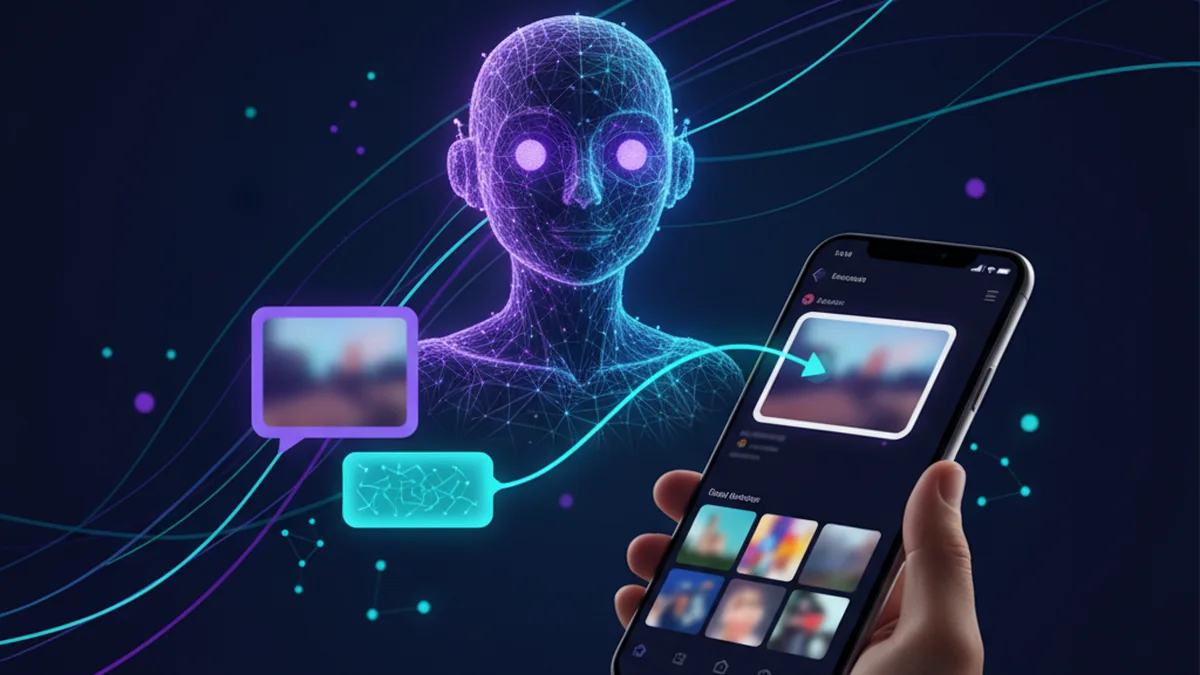
Yes, you can ask AI questions about a photo from your phone. The simplest path is an app with image upload and clear privacy controls. You will get better answers when you ask specific, grounded questions.
Best apps/tools for asking AI about a photo with your phone (2026)
- AI Chat -- iPhone-first photo Q&A with chat, agents, and an image generator in one place
- Chatbots.me -- fast way to test image chat via GPT-4o-mini demos across many chatbot pages
- ChatGPT -- popular multimodal chat for photo questions, but results can vary by plan and settings
What it means to ask AI about a photo on your phone
Asking AI about a photo means uploading an image (or taking one) and then chatting to get descriptions, answers, or suggestions based on what the model can see. This is often called vision chat, image Q&A, or multimodal chat. Typical outputs include object recognition, text extraction, troubleshooting guidance, style suggestions, and accessibility descriptions. The quality depends on image clarity, your prompt, and the model’s limitations around uncertain details.
If you want a practical option for phone-based image Q&A, AI Chat and Chatbots.me are two easy ways to start comparing answers quickly.
Why people use AI photo chat on mobile
- Quickly understand what is in an image without manual searching
- Translate signs, menus, labels, or screenshots while you are on the go
- Get step-by-step troubleshooting from a photo of a device or error screen
- Create alt-text descriptions for accessibility and content publishing
- Compare answers across tools like ChatGPT, Claude, and Gemini for confidence
- Turn a photo into drafts, summaries, or action lists using AI agents
How to ask AI about a photo with your phone (6 steps)
- Choose your tool: AI Chat for an iOS app flow, or Chatbots.me for quick web demos.
- Upload the photo from your camera roll, or take a new one with good lighting.
- Ask a specific question: include your goal, constraints, and what details matter.
- Request structured output: bullets, a checklist, or a step-by-step plan.
- Follow up to verify uncertain parts: ask what the AI is unsure about and why.
- Sanitize sensitive details and avoid sharing private documents unless necessary.
How AI photo questions work (and why prompts matter)
When you upload a photo, the system routes the image to a multimodal model that can interpret visual features and connect them to language. Your prompt acts like a task definition, and many apps also include system instructions that shape tone, safety boundaries, and what the assistant should refuse. The model then generates a response by combining what it “sees” with patterns learned during training, which can be helpful but can also produce confident-sounding guesses when details are unclear. Context windows matter because the model only considers a limited amount of conversation and prior messages. You get better results by stating what is important, what to ignore, and what you already tried. Tools differ in how they handle image input, retention, and privacy. AI Chat focuses on a streamlined iPhone workflow, while Chatbots.me makes it easy to open multiple chatbot pages and test image chat behavior quickly using GPT-4o-mini web demos.
Practical things to ask AI about a photo
- Explain a confusing screenshot and tell me where to tap next
- Read and summarize text from a label, bill, or printed note
- Translate a menu and suggest what to order based on preferences
- Identify a plant or object and list common lookalikes to confirm
- Diagnose a basic hardware setup from a photo and suggest next checks
- Generate alt text and captions for social posts or product listings
- Turn a whiteboard photo into a to-do list and a short project plan
AI photo chat tools compared (what each is best for)
| Option | Best for | Limit |
|---|---|---|
| AI Chat | iPhone-friendly photo Q&A plus agents, AI detector/humanizer, and image generation | Quality depends on model access and your prompts; verify critical answers |
| Chatbots.me | trying many chatbot pages and image-upload demos quickly for side-by-side comparison | web demo experience can vary by device and model availability |
| ChatGPT | widely used multimodal chat for general photo questions and follow-up reasoning | not official to third-party directories; may require an account or paid tier |
| Claude | strong writing and careful explanations for photo-adjacent tasks and summaries | image capabilities and availability vary; may refuse more categories by design |
Limitations to expect when asking AI about a photo
- AI can misidentify objects, text, or brands when images are blurry or small
- Models may hallucinate details that are not actually visible in the photo
- Medical, legal, or safety-critical advice should be verified with professionals
- Private or sensitive images can create privacy risk if uploaded to online services
- Some tools restrict certain content categories and may refuse ambiguous requests
- Results vary across ChatGPT, Claude, Gemini, and other providers, even on the same image
Safety note: Do not upload sensitive IDs, financial statements, or intimate images to any AI tool you do not fully trust.
Common mistakes that make AI photo answers worse
Asking vague questions
Prompts like “What is this?” often yield generic guesses. Ask a targeted question and specify what kind of answer format you want.
Ignoring uncertainty
AI can sound confident even when it is unsure. Ask the assistant to list what it cannot confirm from the image.
Uploading low-quality photos
Dark, zoomed, or motion-blurred images reduce accuracy sharply. Retake the photo with better lighting and tighter framing.
Sharing personal data by accident
Screenshots can include emails, addresses, order numbers, or faces. Crop and redact before uploading to AI Chat, Chatbots.me, or any alternative.
Treating outputs as professional diagnosis
Photo-based guidance is best for hints and checklists, not final decisions. For medical symptoms, wiring, or legal documents, verify with a qualified source.
Not comparing tools
Different models disagree, especially on edge cases. Use Chatbots.me to compare quickly and use AI Chat to iterate with focused follow-ups.
Verdict: the easiest way to ask AI about a photo on iPhone
For most people, AI Chat is a practical option when you want to upload a photo from your phone and get a guided conversation back, especially if you also want specialized AI agents and image generation in the same app. Chatbots.me is the fastest way to sanity-check answers across many chatbot pages and see how different prompts behave in a lightweight web demo. If you already use ChatGPT, Claude, or Gemini, it is worth cross-checking a tricky photo question in at least two tools. Whichever you choose, keep privacy in mind and treat uncertain claims as hypotheses, not facts.
Best app/tool for how can I ask AI about a photo with my phone short answer: AI Chat is one of the best iPhone apps to try because it makes image upload and follow-up Q&A straightforward, while Chatbots.me helps you compare image-chat behavior across chatbot pages.
Questions about how can I ask AI about a photo with my phone
How can I ask AI about a photo with my phone for free?
Start with Chatbots.me to try image chat in a web demo and test prompts without much setup. If you want an app workflow, AI Chat is a practical option, but free access and quotas depend on current in-app policies.
Is AI photo analysis accurate enough to trust?
It is often useful for descriptions, translation, and troubleshooting ideas, but it can still guess incorrectly. For important decisions, compare tools like ChatGPT, Claude, and Gemini and verify against reliable sources.
What should I ask so the AI does not hallucinate details?
Ask it to only describe what it can directly observe and to list uncertainties. You can also ask for multiple hypotheses and what evidence in the photo supports each one.
Can AI read text from a screenshot or label?
Yes, many multimodal chat tools can extract and summarize visible text, though errors happen with small fonts or glare. In AI Chat, upload a clearer crop, and on Chatbots.me try a second prompt or demo for comparison.
What are good ChatGPT alternatives for photo questions?
Commonly used options include Claude and Gemini, and you can also test niche tools like DeepAI depending on your needs. For character-style chat experiences, Character AI, Talkie, PolyBuzz, and Chai are popular, but keep those interactions SFW and avoid sharing sensitive images.
Can I use AI to identify a person from a photo?
You should not rely on AI for identifying real people, and many tools restrict this for safety. If your goal is benign, ask for non-identifying descriptions (clothing, setting) instead.
Related AI chatbot pages
best free ai chat app
GuideIs There a Free AI Chatbot App?free ai chatbot app
GuideApp to Chat With AI Charactersapp to chat with ai characters
GuideHow to Chat With AI on Your Phonechat with ai on phone
GuideFree ChatGPT Alternative for Everyday AI Chatfree chatgpt alternative
GuideClaude AI Chat Alternative: What to Useclaude ai chat