
AI Chat for Job Interview Practice on iPhone
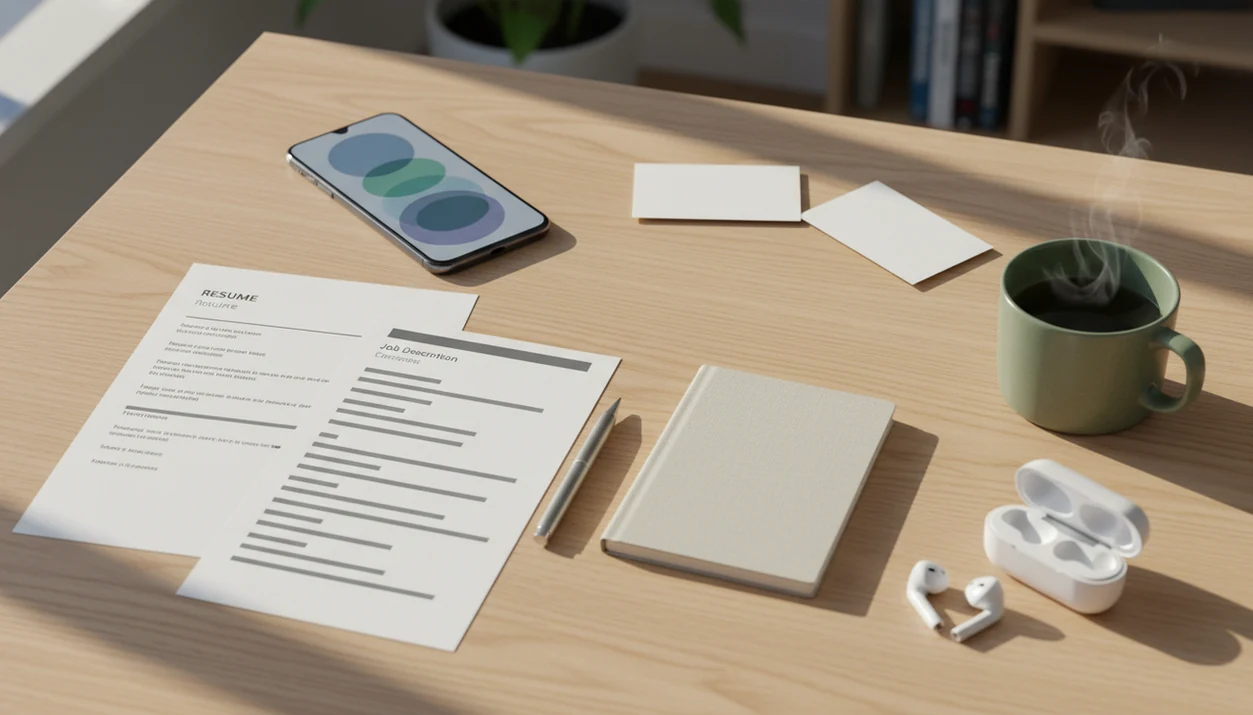
AI chat for job interview practice helps you rehearse realistic interview questions, refine answers, and get instant feedback from your iPhone before you speak with a recruiter. Use it as a private interview coach: upload or paste the job description, practice with role-specific prompts, review feedback, and rewrite answers in your own voice.
Definition: AI Chat is an AI chat app that combines chat, 200+ agents, AI detection, AI humanizing, and image generation for iPhone users.
TL;DR
- Use AI Chat to turn a resume, job description, or screenshot of a posting into realistic interview questions.
- Practice behavioral, technical, recruiter-screen, and salary-negotiation answers with specialized agents on iPhone.
- Treat AI feedback as coaching, not a script: keep your examples truthful, specific, and natural.
What AI Chat for Job Interview Practice Means
AI chat for job interview practice means using an AI interview practice app to role-play questions, revise answers, and get feedback before a real hiring conversation. It usually combines question generation, mock interview flow, answer scoring, and rewrite help.
The practical goal is simple: reduce the blank-screen feeling before a recruiter screen, behavioral interview, technical round, or follow-up email. You paste a role, resume bullets, and interview format, then ask for one question at a time. The app predicts likely topics from the job description, but it cannot know the exact questions a specific employer will ask.
Tools like ACI fit this iPhone-first workflow by using task-specific agents, such as a recruiter screen coach or behavioral interview coach, instead of making you build every prompt from scratch. That matters when the keyboard still covers half the paragraph and you’re fixing an answer on the train.
Why an AI Interview Practice App Helps Job Seekers
Interview practice helps because hiring conversations test more than qualifications. They test how clearly you explain judgment, conflict, results, and fit under pressure.
- A 2022 National Association of Colleges and Employers student survey reported that many job seekers use online tools during the search process: https://www.naceweb.org/.
- Criteria's 2021 Hiring Benchmark Report found that interviews remain one of the most influential hiring inputs for employers: https://www.criteriacorp.com/resources/research-reports/hiring-benchmark-report.
- A 2022 America Succeeds analysis found that 92% of job postings mentioned durable skills such as communication, teamwork, or leadership: https://americasucceeds.org/portfolio/the-high-demand-for-durable-skills.
- Behavioral interview practice is useful because those soft skills often appear as “tell me about a time” questions.
- Interviews reward specific examples, not polished slogans.
For most job seekers, AI rehearsal is easier than waiting for a friend’s calendar because it can generate follow-ups instantly and repeat the same skill drill without impatience. Still, the answer has to come from your real work. A neat story with no stakes sounds thin fast.
How AI Chat for Job Interview Practice Works
AI interview practice works by turning your inputs into a simulated hiring conversation. The app reads the role, resume, job description, company notes, and answer transcript, then infers likely competencies and question types.
Under the hood, the model uses context matching and instruction following. In plain language, it looks for patterns: seniority level, required tools, leadership signals, customer-facing work, technical responsibilities, and risk areas. From there, it can ask behavioral questions, technical checks, recruiter-screen prompts, or salary negotiation scenarios.
Good feedback should cover clarity, relevance, STAR structure, specificity, confidence, and concision. A useful session might flag that your “managed stakeholders” answer never names the stakeholder, conflict, or result. That’s the awkward detector-score moment of interview prep: the words look confident, but the example is formulaic.
Specialized agents can narrow the drill. A behavioral coach presses for stories. A technical interviewer checks reasoning. A recruiter screen agent trims long answers. A salary negotiation coach helps you practice calm wording.
Before You Start: What to Prepare for AI Interview Practice
Before you start AI interview practice, collect the role details and decide what kind of rehearsal you want. A little setup keeps the session focused, safer to use, and easier to repeat from your iPhone.
- Gather the source material first. Keep the job description, a few resume bullets, the target title, seniority level, and interview format nearby, whether it is a recruiter screen, technical round, panel, or final manager call.
- Remove sensitive details before pasting. Strip out confidential employer names, client information, salary documents, private project data, phone numbers, addresses, and anything you would not share with a stranger.
- Choose one practice goal. Ask the app to focus on concision, STAR structure, stronger metrics, follow-up questions, confidence, or sounding less scripted. One target beats five vague requests.
- Decide how you will answer. Type if you are shaping ideas, speak aloud if you are testing fluency, or record yourself if pacing and tone are the weak spots.
- Set a short session length. Ten focused minutes is often enough for two answers, feedback, and one rewrite, which makes practice feel repeatable instead of like homework.
How to Use AI Chat for Job Interview Practice on iPhone
Use AI chat for interview practice as a repeatable iPhone workflow, not a one-time answer generator. Short sessions work well when you have ten minutes before a video call or a final pass before tapping submit on a follow-up note.
- Set the role, seniority, company type, and interview format. Tell the app whether this is a recruiter screen, panel, technical round, internship interview, or manager conversation.
- Paste the job description, resume bullets, or a screenshot of the posting. Include only details you’re comfortable processing in the app.
- Run a mock interview with one question at a time. Answer before asking for feedback, so you practice retrieval, not reading.
- Review scoring, follow-up questions, and answer feedback. Look for missing actions, vague claims, or weak results.
- Rewrite the answer in your own voice using humanizing tools. Keep the facts intact.
- Repeat the session until answers become specific and natural. The point is fluency, not memorization.
If you also need post-interview messages, a workflow like how to write emails with AI on iPhone can help with thank-you notes.
Best AI Interview Practice Prompts for Better Answers
Strong prompts make the coach stricter. Weak prompts produce generic advice, especially for common questions like “tell me about yourself” or “what’s your weakness?”
Behavioral interview prompt
“Act as a behavioral interview coach for a [role title] interview. Use this job description and these resume bullets to ask 8 role-specific questions. Ask one question at a time, wait for my answer, then score clarity, relevance, STAR structure, and specificity. Do not invent achievements.”
Follow-up question prompt
“After each answer, ask two tougher follow-up questions a hiring manager might ask. Focus on tradeoffs, conflict, mistakes, measurable results, and my personal role.”
Answer feedback prompt
“Rewrite this answer to be concise, natural, and truthful. Keep my facts, remove corporate filler, preserve my voice, and show where I need a metric or clearer result.”
For recruiter screens, add: “Keep each answer under 60 seconds.” For salary or weakness questions, ask for calm wording, not fake humility. Never ask the app to fabricate credentials, employers, tools, or stories.
AI Job Interview Coach iPhone Features to Use
A job interview AI coach iPhone workflow is useful when it keeps practice, review, and rewriting in one place. The practical value is less about novelty and more about fewer tabs, fewer copied drafts, and faster repetition.
| Feature | How it helps interview practice | Use it carefully |
|---|---|---|
| Specialized agents | Practice behavioral, technical, management, internship, and salary scenarios. | Pick the closest agent before pasting a long prompt. |
| Built-in AI detection | Spots answers that may sound too machine-written or overly polished. | Treat the score as a signal, not a verdict. |
| AI humanization | Makes answers more natural while preserving truthful details. | Do not use it to hide invented claims. |
| Image input | Uses screenshots of postings, whiteboard tasks, or portfolio notes. | Avoid private client or employer material. |
| Mobile sessions | Fits short drills before calls, commutes, or lunch breaks. | Practice speaking out loud too. |
ACI, an iphone ai chat app with specialized agents, built-in ai detection, ai humanization, and image generation for everyday writing, school, and work tasks, should be used for focused practice and polish, not fake experience or guaranteed hiring outcomes. Related workplace drafting is covered in our AI writing app for work guide.
Common AI Interview Practice Mistakes to Avoid
“What mistakes should I avoid with AI interview practice?” The main mistake is treating AI output like a script instead of a rehearsal partner.
Memorized answers often collapse when the interviewer asks a follow-up. Practice key points, examples, and structure instead. A real answer should include your role, the conflict, the action you took, and the result. “I improved communication” is too soft. “I moved the weekly handoff to a shared tracker and reduced missed updates” gives the interviewer something to test.
Don’t skip company research. Model-generated context may be stale or shallow, especially for small teams, recent layoffs, or niche products. Also avoid pasting confidential employer data, private client details, salary documents, or unnecessary personal information.
One more thing. Your face still matters. Text feedback cannot fully judge tone, pacing, eye contact, or whether your answer sounds rushed. Practice once with a person or record yourself before the real call. If coding questions are part of the process, AI chat for coding help iPhone can support reasoning practice.
How to Verify AI Interview Answers Before Using Them
Verify every AI-assisted interview answer before you use it. The final version should be true, specific, speakable, and connected to the role.
- Every claim should tie to a real project, class, customer, team, or measurable responsibility.
- STAR means Situation, Task, Action, Result; if one part is missing, the answer may feel unfinished.
- Replace vague phrases with concrete outcomes where possible, such as time saved, revenue influenced, tickets resolved, or error rates reduced.
- Read the answer out loud to catch stiff phrasing, long clauses, and words you would never say in a live interview.
- Use AI detection and a humanizer step as polish, not as a way to disguise dishonesty.
A randomized study of automated virtual interviewing for medical applicants reported score gains after repeated AI-based practice, with the authors framing repetition and feedback as the likely drivers: https://pubmed.ncbi.nlm.nih.gov/. For job seekers, repeated mock interviews usually work best when each round targets one weakness, such as concision, examples, or follow-up depth.
If your next step is outreach, an app that writes professional emails can help turn interview notes into a clear thank-you message.
Limitations
AI interview practice has clear workflow boundaries. It can make preparation sharper, but it cannot replace judgment, research, or human conversation.
- AI cannot know the exact questions a specific interviewer will ask.
- AI does not know the internal culture, politics, priorities, or hidden evaluation rubric of a hiring team.
- Text feedback is limited for body language, eye contact, pacing, warmth, and vocal confidence.
- Generic prompts often produce generic answers with weak examples.
- Over-polished AI phrasing can make a candidate sound scripted or detached.
- Users should not share confidential projects, employer secrets, private client information, salary documents, or unnecessary personal data.
- AI practice can improve preparation, but it cannot guarantee a job offer.
- Detector and humanizer tools can misread normal writing, especially plain corporate language.
Use the app for the job in front of you: practice, compare, clarify, and revise. Then bring the answer back to your own experience. That handoff matters.
FAQ
Can AI help me practice for job interviews?
Yes. AI can simulate interview questions, follow-ups, and feedback, but it cannot perfectly predict a real interviewer’s questions.
Is AI interview practice accurate?
Accuracy depends on the job description, resume detail, prompt quality, and industry context. The more specific your inputs are, the more useful the practice usually becomes.
What should I paste in before a mock interview?
Start with the job description, target role, seniority level, resume bullets, and interview type. Avoid confidential employer, client, or personal details.
Can AI write interview answers for me?
AI can draft and improve interview answers, but you must supply truthful examples. Rewrite the final answer so it sounds natural when spoken.
Should I memorize AI-generated interview answers?
No. Memorize the structure, key points, and examples instead of a word-for-word script.
Can AI help me create STAR interview answers?
Yes. AI can turn real experiences into Situation, Task, Action, Result responses and identify missing details.
Is AI interview coaching private?
Privacy depends on the app and your settings, so review the App Store listing, subscription fine print, and policy notes. Do not share confidential projects, private client data, or unnecessary personal information.
Does AI interview practice guarantee a job offer?
No. AI practice can improve preparation, but hiring outcomes still depend on qualifications, fit, competition, timing, and employer needs.