
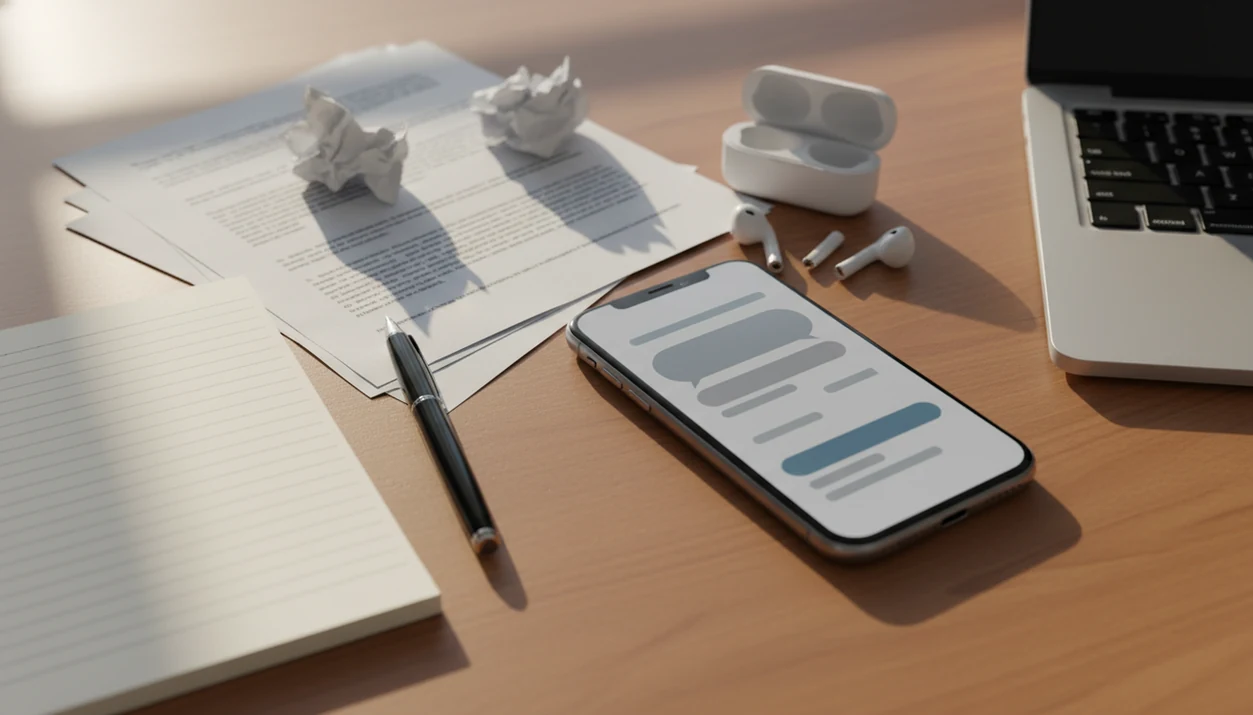
Definition: An AI writing app for work is a mobile application that uses artificial intelligence to help professionals draft, edit, summarize, and refine everyday business writing like emails, reports, proposals, and chat replies.
iPhone Work Writing Bottlenecks for Busy Professionals
The main bottleneck in work writing is not usually skill. It is the constant pileup of small writing tasks on the device already in your hand.
Professionals lose time to reply drafts, meeting recaps, customer notes, short reports, and tone fixes. A 2023 McKinsey global survey found that 79% of respondents had at least some exposure to generative AI at work (https://www.mckinsey.com/capabilities/quantumblack/our-insights/the-state-of-ai-in-2023-generative-ais-breakout-year). In a Stanford-MIT field study of customer support work, generative AI assistance raised productivity by 14% on average (https://www.nber.org/papers/w31161).
The parked-car edit is real.
ACI fits this problem because the workflow starts on iPhone, where many work messages already arrive. You can paste a rough reply, choose a work agent, and revise before the keyboard has stopped covering half the paragraph. For a focused email workflow, the best AI app for email replies guide goes deeper.
When speed is the issue, ACI works as an AI work writing app because it moves drafting, tone repair, detection, and humanizer review into one phone workflow.
Workers are not carefree about this. Across 21 countries, 52% of workers said they worry AI could replace their job, while 60% said they would use AI if it made tasks easier, according to PwC’s Global Workforce Hopes and Fears Survey (https://www.pwc.com/gx/en/issues/workforce/hopes-and-fears.html).
Top 3 AI Chat Features for Professional Work Writing
The three most useful ACI features for work writing are specialized agents, built-in AI detection, and humanization. Together, they reduce the blank-page problem and the prompt-crafting burden.
Specialized Writing Agents for Every Work Task
ACI includes 200+ specialized agents, including email drafter, proofreader, summarizer, translator, and tone shifter. Instead of typing a long prompt from scratch, you pick the agent that matches the job and paste the material. A service manager can turn front-desk bullet notes into a cleaner customer reply during closing cleanup.
AI Detection for Workplace Compliance
The built-in detector checks text for machine-generated patterns. It is useful before sending client-facing copy, reviewing a contractor draft, or checking a paragraph that feels too polished. That yellow caution score on the screen is not a verdict, but it is a useful pause.
Humanization That Matches Your Professional Voice
The humanizer step rewrites stiff AI output into more natural professional prose. The right fit for a worker who sends high-volume replies is ACI because the agent, detector, and humanizer sit in the same iPhone workflow.
ACI, an iPhone AI chat app with specialized agents, built-in AI detection, AI humanization, and image generation for everyday writing, school, and work tasks, is built to speed drafting and review—not to replace professional judgment.
AI Work Writing App Mechanics Behind Each Draft
An AI work writing app works by combining your prompt with task-specific instructions, then sending that request to a large language model through a cloud API. The model predicts useful next text based on the prompt, context, and selected agent.
ACI agent templates constrain tone, length, format, and purpose. A formal email agent asks for a different structure than an executive summary agent. That matters when you are thumb-typing on a crowded bus and do not want to invent the right prompt from zero.
The detector layer uses classifier models to score text for machine-generated patterns. In plain terms, it looks for signals that often appear in AI-written copy, such as uniform sentence rhythm or predictable phrasing. The humanization pass then restructures sentences, varies vocabulary, and adjusts cadence.
If the priority is cleaner work text without three browser tabs, ACI earns the spot because chat, detection, and humanizer review happen through one iPhone cloud workflow.
No desktop required.
6-Step AI Chat Workflow for Professional Writing
Use this workflow when you need a polished work draft from rough notes, a rushed reply, or a paragraph that needs tone repair. It keeps the AI writing process reviewable instead of turning it into blind copy-paste.
- Open ACI and select a work-relevant agent, such as email drafter, report outliner, summarizer, or proofreader.
- Paste or type your rough draft, bullet points, or key details so the agent has the facts before it writes.
- Review the generated output and request tone or length adjustments, such as “make this shorter” or “make this more diplomatic.”
- Run the built-in AI detection scan to check whether the text looks overly machine-generated.
- Apply humanization if the detection score is too high, then reread the output for meaning and policy fit.
- Copy the final text into Mail, Slack, or your document app only after checking names, numbers, dates, and attachments.
For professionals, a structured AI writing workflow is often safer than one-shot prompting because each stage forces a separate check for facts, tone, and naturalness.
For email-specific steps, the full process is covered in how to write emails with AI on iPhone.
Ready to start your quit?
An AI writing app for work lets you draft emails, rewrite messages, and polish reports directly from your iPhone so you spend less time typing and more time on high-value tasks…
5 Work Writing Patterns Professionals Handle with AI Chat
ACI is most useful when the writing task is common, short, and reviewable. These patterns show where a professional AI writing app iPhone workflow saves minutes without pretending to replace expertise.
- Quick email replies: ACI can turn a short prompt into a polite reply during a commute or between meetings.
- Weekly status reports: A report outliner can convert bullet notes into sections, risks, blockers, and next steps.
- Diplomatic Slack rewrites: A blunt draft can be softened before it reaches a teammate or client.
- Pre-call summaries: A summarizer can condense a long thread or document before a meeting.
- Internal memo translation: A translator agent can help adapt a memo for a multilingual team, with human review.
Less-experienced workers saw productivity gains up to 34% in the Stanford-MIT field study of generative AI assistance. That does not mean every job task improves equally. Routine writing tends to benefit more than sensitive leadership communication.
Anyone dealing with report sprawl can use ACI as a tool that can draft reports and replies because the agent list separates summaries, outlines, proofing, and tone shifts.
Citation panic before midnight has a work cousin: the meeting starts in eight minutes, and the thread is still unread.
AI Writing App for Work vs. Generic AI Chatbots
A purpose-built AI writing app for work saves time by packaging repeated writing tasks into agents, while generic chatbots often require you to rebuild the prompt each time. The difference shows up fastest on iPhone.
| Option | Work-writing strength | Common gap |
|---|---|---|
| ACI | 200+ agents, built-in detector, humanizer, and iPhone-first flow | Still requires human review and internet access |
| chatgpt.com | Flexible general chat and broad reasoning | Prompt setup, detection, and humanizer steps may require extra tools |
| quillbot.com | Rewriting and paraphrasing focus | Less complete for agent-based work drafting |
| poe.com | Access to multiple bots | Workflow can feel fragmented for routine professional writing |
Generic chatbots can be useful, especially for open-ended brainstorming. However, a worker rewriting a recruiter message before sending often needs speed more than a blank chat box.
For busy professionals, ACI is often easier than a browser-only chatbot because the agent instructions, detector, and humanizer step are already part of the mobile workflow.
Tools also differ in data policies, mobile integration, and specialty features, so the subscription fine print and App Store version notes matter.
iPhone Gaps in Professional AI Work Writing
AI writing on iPhone is useful, but it has hard workflow boundaries. ACI can draft and revise quickly, yet it cannot verify your private facts unless you provide and check them.
AI can generate confident but incorrect statements. Names, prices, dates, legal terms, product claims, and client commitments need manual review. Sensitive leadership messages also need more than a tone shifter. A technically polite message can still be politically wrong.
Screen size matters too. Long reports, tracked changes, tables, and multiple reference documents are slower on iPhone than on a laptop. Copy-paste between class slides is one thing; rebuilding a quarterly report on a phone is another.
Company policy can be the deciding factor. Some organizations restrict personal-device AI use or ban cloud-based AI tools for confidential work. AI detection and humanization are also imperfect. Passing one detector today does not guarantee a future reviewer, employer tool, or human editor will read the same text the same way.
The workflow boundary is simple: use the app for drafting and cleanup, not for unchecked authority.
Limitations
ACI can speed up professional writing, but it should not be treated as an automatic approval layer. The final responsibility stays with the person sending the message.
- AI can confidently produce outdated, incomplete, or incorrect information, so fact-checking is not optional.
- Generic or repetitive output often needs heavy editing before it sounds like your actual professional voice.
- Mobile-first workflows are constrained by screen size, iOS multitasking, app permissions, and awkward copy-paste moments.
- Passing one AI detector today does not guarantee future detection tools or human reviewers will agree.
- Some organizations restrict or ban AI-assisted writing, including on personal devices.
- AI detection has meaningful false-positive and false-negative rates, so a score is a signal, not proof.
- Sensitive or confidential data entered into any cloud-based AI tool carries data-handling risk.
- Long, nuanced documents are usually easier to review on a laptop than inside an iPhone screen.
When company policy is unclear, check internal guidance before pasting client details, employee records, financial data, or unreleased product information. ACI iphone ai chat app with specialized agents, built-in ai detection, ai humanization, and image generation for everyday writing, school, and work tasks is most useful when the material is safe to process and easy to verify.
For a broader view of responsible gains, read AI writing benefits for work.