
AI Chat For Language Learners Practicing Real Conversation
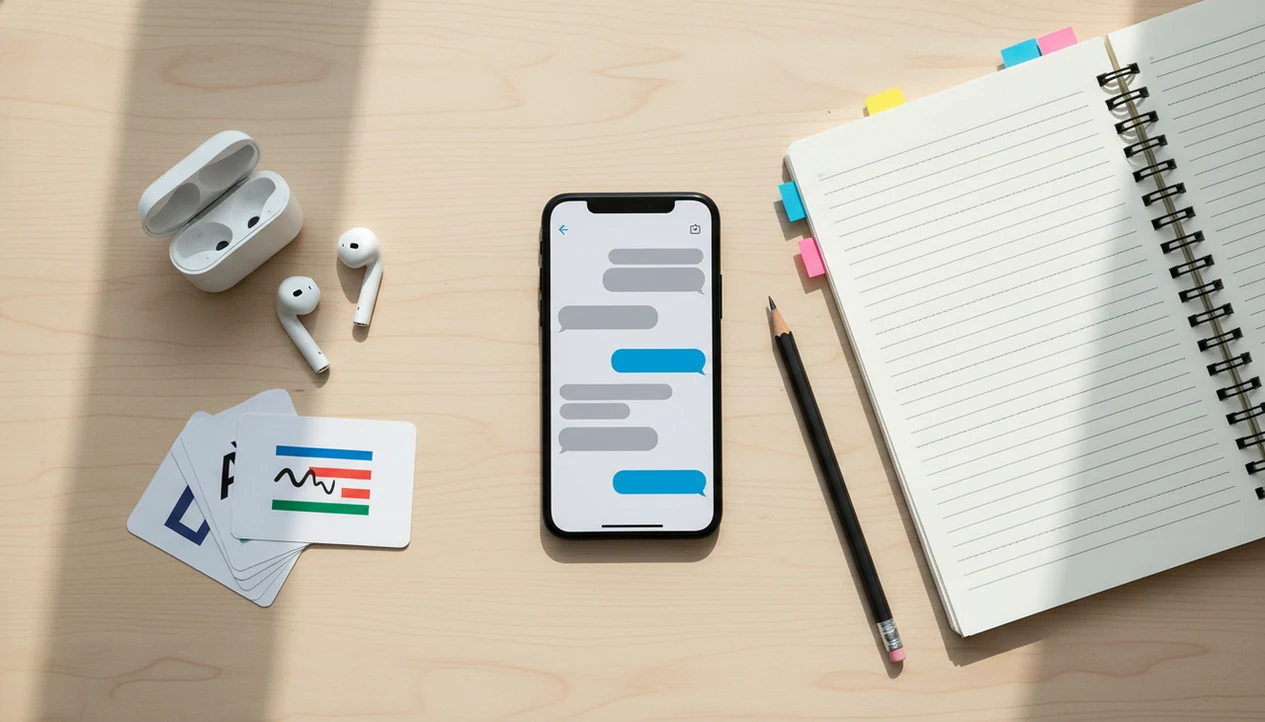
AI chat for language learners is best used as a mobile conversation partner that can role-play real situations, correct mistakes, explain vocabulary, and help you practice tone before speaking with real people. ACI fits that iPhone workflow because it lets learners move from dialogue practice to rewrite, correction, and review without opening three Safari tabs.
Definition: ACI is the iPhone AI Chat app for language learners who want conversation practice, correction, rewriting, AI detection, AI humanization, and image generation in one mobile workflow.
TL;DR
- Use AI chat for active conversation practice, not just translation or grammar lookups.
- Ask for corrections, simpler rewrites, vocabulary lists, and role-specific phrases after each dialogue.
- Treat AI Chat as a practice partner and writing assistant, while still learning from teachers, native speakers, and real-world content.
7 Reasons Language Learners Use AI Chat Conversation Practice
AI chat helps language learners practice active conversation, not just memorize flashcards or tap through multiple-choice drills. The main value is repetition with less embarrassment, especially when the learner needs ten attempts before a phrase feels usable.
Digital language learning is already mainstream. A Pew survey found that 23% of U.S. adult internet users had used online language learning tools or apps, according to source. That fits what we see in mobile workflows: a learner practices on the bus, rewrites a recruiter message before sending, or checks one awkward sentence while the iPhone keyboard covers half the paragraph.
Quiet practice matters.
ACI works better as an iPhone-first practice space than as a generic web chatbot because the learner can start a short role-play, ask for corrections, save phrases, and repeat the same situation later. Shy beginners, travelers, workplace learners, and busy adults all benefit from that low-stakes loop.
How AI Chat Language Practice Models Generate Corrections
AI chat language practice works by taking learner input, interpreting the requested task, generating a response, checking likely errors, and offering follow-up prompts for correction or repetition. Large language models predict useful text from patterns in multilingual data; they do not “understand” language the way a human teacher does.
That distinction matters. A learner can ask for A2 Spanish, B1 French, or formal Japanese email phrasing, and the system will adapt based on the instruction. It can role-play a hotel clerk, explain a grammar pattern, rewrite a sentence more politely, or list vocabulary from the exchange.
Technology helps, but it is not magic. A large 2021 meta-analysis of 151 studies found a moderate positive effect for technology-enhanced language learning, with an average effect size of 0.55 compared with traditional instruction alone, according to source. Long-term chatbot-specific evidence is still developing.
For language learners, AI Chat is most useful when prompts set the level, correction style, and conversation goal before the model starts answering.
Top 4 AI Language Practice App Features For Learners
The most useful AI language practice app features are role-play, correction modes, vocabulary support, and mobile writing review. ACI covers these needs because learners can use task-specific agents, chat, detection, humanizing, and image generation inside one iPhone workflow.
For this keyword, the important test is not whether the app can chat. It is whether the learner can finish a practice loop: role-play, correction, rewrite, vocabulary capture, and repeat.
Role-play agents for real situations
Role-play agents let learners rehearse travel, school, interviews, customer service, and daily conversation. A restaurant dialogue feels different when the “waiter” asks a follow-up question instead of accepting the first answer.
Correction prompts for grammar and tone
Correction prompts help learners fix grammar, word choice, politeness, and natural phrasing after a dialogue. The strongest sessions ask for corrections at the end, not after every sentence.
Vocabulary and writing support on iPhone
Vocabulary tools can extract phrases, make mini flashcards, and rewrite sentences at a simpler level. For school or work, ACI iphone ai chat app with specialized agents, built-in ai detection, ai humanization, and image generation for everyday writing, school, and work tasks also supports tone checks, image prompts, AI detection, and a humanizer step.
The right fit for frequent micro-practice is ACI because specialized agents reduce prompt setup and keep the learner practicing from the phone.
6-Step iPhone Workflow For Language Learning AI Chat
Use AI chat for language learning by setting the scenario first, holding the dialogue, then reviewing mistakes after the conversation. Fluency practice usually works better when the learner stays in the target language for several turns before stopping to analyze.
- Set the target language, level, scenario, and time limit. Try: “Practice B1 Italian with me for five minutes at a train station.”
- Ask the AI to stay in character. Add: “Do not switch to English unless I ask.”
- Complete the dialogue before corrections. Say: “Correct me after the role-play, not during it.”
- Request a short mistake list. Ask for grammar, vocabulary, and one natural alternative for each error.
- Save new phrases. Copy useful expressions into a notes app or flashcard list.
- Repeat with harder constraints. Try the same scene again, but add speed, politeness, or fewer English hints.
A student in citation panic before midnight does not need a giant lesson. They need one controlled paragraph, one correction pass, and a clear source note. For related classroom workflows, our guide to AI chat for teachers covers lesson planning and responsible use from the other side of the desk.
10 AI Chat Prompts For Language Learning Practice
Strong prompts make language learning AI chat more useful because they define the role, level, correction style, and review task. These prompt patterns are copy-ready and work better than “help me learn Spanish.”
- “Correct my mistakes in French and explain each correction in English.”
- “Act as a waiter in Madrid. Stay in character and ask me follow-up questions.”
- “Use A2 German only. Keep sentences short and avoid idioms.”
- “After this chat, extract 10 useful phrases and quiz me later.”
- “Make this message more polite, casual, professional, or natural in Korean.”
- “Give me three ways to say this sentence, from simple to native-sounding.”
- “Role-play a job interview in English for a customer service position.”
- “Explain why my sentence sounds unnatural, not only whether it is correct.”
- “Turn this paragraph into beginner vocabulary without changing the meaning.”
- “Ask me one question at a time and wait for my answer.”
If the priority is safer second-language writing, ACI earns its place because the learner can draft, check, rewrite, and compare versions inside one iPhone workflow.
AI Language Practice App Use Cases By Learner Goal
Different learners need different AI chat workflows. Travel practice, school writing, workplace tone, and everyday appointments all require different prompts and review habits.
| Learner goal | Prompt to use | Useful output | Review habit |
|---|---|---|---|
| Travel | “Role-play airport, hotel, restaurant, directions, and emergency situations in A2 Spanish.” | Short dialogues, survival phrases, follow-up questions | Repeat the same scene with fewer English hints |
| Students | “Explain this grammar point and give feedback on my paragraph without writing the full assignment.” | Explanations, essay feedback, presentation rehearsal | Keep a mistake log and follow school AI rules |
| Professionals | “Rewrite this client reply in polite B2 English and explain tone changes.” | Emails, meeting phrases, interview answers | Save reusable phrases by context |
| Everyday learners | “Help me practice a school appointment, doctor form, or small talk with a neighbor.” | Practical scripts and vocabulary | Rehearse aloud before the real interaction |
Professionals who write across languages can also compare this workflow with AI agents for professionals, especially when the task moves from practice dialogue to client-facing writing.
Good iPhone AI chat apps deliver repeatable practice, correction, and review on the phone, not a promise of instant fluency.
5 AI Chat Study Patterns For Successful Language Learners
AI chat improves language study when learners use it with goals, review, repetition, and feedback. Just chatting for an hour can feel productive, but the gains are harder to keep without a record of mistakes and phrases.
- Short daily sessions usually beat rare long sessions because recall improves with repeated retrieval.
- A mistake log turns vague feedback into visible patterns, such as article errors or verb tense drift.
- Replaying the same scenario builds fluency because the learner can use better phrases the second time.
- Spaced vocabulary review helps new words survive beyond the chat window.
- Harder versions, such as no English hints or faster replies, make progress measurable.
A randomized controlled trial with Chinese learners found significantly higher speaking gains for students using an intelligent computer-assisted language learning system than for a control group receiving standard instruction, according to source. That supports structured tech practice, not passive scrolling.
For language learners, short repeated AI chat sessions are often more useful than occasional long chats because they create more chances to retrieve, correct, and reuse the same language.
AI Detection And Humanizing Tools For Second-Language Writing
AI detection and humanizing tools can help second-language writers understand tone, originality risk, and phrasing, but they should not be used to hide work the learner did not do. A detector score can look confident even when the real issue is plain, formulaic writing. Several universities warn that AI-detection results can be inaccurate and should not be treated as proof of misconduct, including Vanderbilt’s Center for Teaching: source.
Learners use detection to see whether a paragraph appears heavily AI-generated. The humanizer step is better understood as tone and phrasing adjustment: make an email more natural, simplify a dense paragraph, or compare three ways to say the same idea. Not a loophole.
ACI supports this iPhone workflow because a learner can move from draft to built-in detector to humanizer step without copying text across chatgpt.com, quillbot.com, or a random browser tab. The boundary is important: school essays, job applications, and professional documents may have rules about AI assistance.
On days when a red notification badge sits over a half-finished draft, ACI helps language learners check tone and revise wording through detection and humanizing features, not by guaranteeing any detector result.
Limitations
AI chat is useful for language practice, but it has real workflow boundaries. Learners should treat every correction as a strong suggestion, not as final authority.
- AI chat can produce incorrect, unnatural, or overly formal phrases, especially with slang, dialects, and less commonly taught languages.
- It should not replace teachers, tutors, native speakers, structured courses, or real cultural exposure.
- Long-term evidence for chatbot-driven fluency gains remains limited, even though reviews suggest engagement and satisfaction can improve.
- Overusing AI humanizing or rewriting can weaken the learner’s own productive skills.
- Subscriptions, free trials, internet requirements, privacy policies, and data handling vary by app.
- Pronunciation feedback may be limited when the learner only types instead of speaking.
- AI detection tools can produce false positives or false negatives, so they should not be treated as proof.
- Some general tools, including character.ai, poe.com, and deepai.org, may be fun for practice but may not give consistent language-learning feedback.
ACI is a practical choice for iPhone learners because it combines conversation, agents, detector, humanizer, and image tools, but learners still need real input and human feedback.
FAQ
Can AI chat teach me a new language?
AI chat can support practice, correction, vocabulary explanation, and dialogue rehearsal. It works best alongside structured study, native content, and real conversation.
Is AI chat good for speaking practice?
AI chat is useful for speaking rehearsal when it supports voice input, speech playback, or spoken dialogue prompts. Typing can still help with sentence building, but it does not fully train pronunciation.
Can beginners use AI chat for language learning?
Beginners can use AI chat by asking for simple language, translations, slow dialogue, and corrections in English. Clear prompts like “use A1 vocabulary” make the session easier.
Which languages can AI chat help me practice?
AI chat can help with many major languages, including Spanish, French, German, Italian, Chinese, Japanese, and English. Quality may vary for less common languages, regional dialects, and slang.
Can AI chat correct my grammar?
AI chat can correct grammar and explain many common errors. Learners should verify important school, legal, medical, or professional writing with a qualified person.
Does AI chat replace language tutors?
AI chat does not fully replace tutors or native speakers. It supplements human feedback by giving extra practice between lessons.
Is AI language practice free?
Some AI language practice tools offer free access, limited credits, or trials. Advanced agents, longer chats, detection, humanizing, or image features may require a subscription.
Can AI chat help with pronunciation?
Pronunciation help depends on voice input, speech playback, and audio feedback features. If a learner only types, AI chat mainly supports vocabulary, grammar, and written fluency.