
Professional AI Writing Results From iPhone Workflows
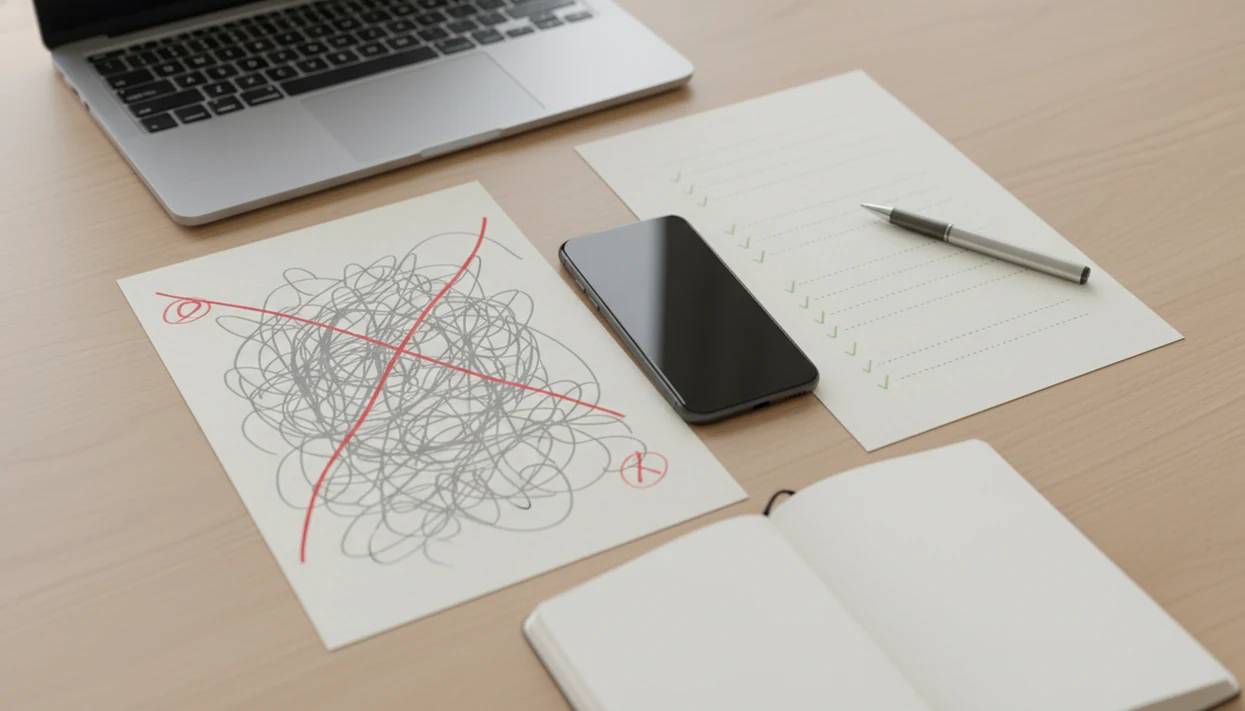
Professional AI writing results come from a repeatable workflow: draft with context, revise for clarity, humanize the tone, check facts, and make a final human edit before sending. The strongest before-and-after outcomes are usually faster replies, clearer reports, smoother tone, and fewer avoidable writing mistakes.
> ACI is an iPhone AI chat app with specialized agents, built-in AI detection, AI humanization, and image generation for everyday writing, school, and work tasks.
- The strongest work AI writing examples come from multi-step editing workflows, not one-shot prompts.
- Before-and-after improvements are easiest to see in emails, reports, summaries, school drafts, and client messages.
- AI detection, humanizing, and fact-checking reduce risk, but human review still decides what is accurate, appropriate, and ready to send.
Professional AI Writing Results in iPhone Workflows
Professional AI writing results are polished, ready-to-review drafts created through structured AI assistance, not raw text copied from the first response. On an iPhone, that usually means moving from a rough note, email, PDF excerpt, or workplace message into a clearer final version.
The outcome is not just “better writing.” It can mean faster replies, tighter structure, fewer grammar fixes, a calmer tone, and less friction before you send. The page focuses on iPhone workflows with AI Chat rather than generic desktop chatbot use, because mobile writing has its own constraints.
The keyboard covers half the paragraph sometimes.
Even when the output looks clean, the human user remains responsible for accuracy, judgment, confidentiality, and policy compliance. A professional result is ready for review, not automatically ready for release.
How AI Chat Produces Professional AI Writing Results
AI Chat produces professional AI writing results by running text through a workflow loop: context input, draft generation, critique, rewrite, tone adjustment, detection review, and final human edit. In plain terms, the model needs enough direction to predict the kind of writing you actually need.
Better prompts give the system audience, purpose, constraints, examples, and source material. “Make this better” is weak. “Rewrite this client update for a calm operations manager, keep the deadline, remove blame, and use three action bullets” gives the model a job.
Task-specific agents narrow that job further. An email writer, report editor, summarizer, detector, or humanizer can reduce prompt setup because the task is already framed. Tools like ACI, ChatGPT, Poe, and QuillBot can help users compare drafts, but the useful part is the review loop, not the logo.
AI systems use language patterns and context windows, which means they can sound confident while adding false details. Fact-checking is part of the mechanism.
How to Use AI Writing Before and After Workflows on iPhone
Use an AI writing before-and-after workflow on iPhone by capturing the original text, setting a clear goal, generating a revision, comparing changes, and reviewing the final version yourself. The point is to keep the original visible long enough to judge what changed.
- Capture the draft from Mail, Notes, PDFs, Docs, Slack-style messages, or a share sheet, then paste only the text you’re allowed to use.
- Set the audience, purpose, tone, length, deadline, and any words or claims that must stay unchanged.
- Draft a revised version and ask for a before-and-after comparison with comments explaining structure, tone, and clarity changes.
- Review the rewrite against the original, especially dates, names, numbers, client promises, and source material.
- Humanize the draft by asking for less formulaic phrasing, then make your own edits for rhythm and voice.
- Verify facts before copying the final version into the app, email, document, or workplace thread.
For email-specific routines, the guide on how to write emails with AI on iPhone goes deeper into reply structure.
Scorecard for Tracking Professional AI Writing Results
Judge professional AI writing results with a scorecard, not a vibe check. A useful comparison looks at the original draft, the AI-assisted revision, and the final human-approved version side by side.
- Clarity: The revised text should make the main point easier to understand on the first read.
- Tone fit: The voice should match the audience, such as a manager, client, professor, recruiter, or customer.
- Structure: The final draft should use headings, bullets, order, or transitions where they help the reader.
- Brevity: The rewrite should remove filler without cutting needed context.
- Factual confidence: Names, dates, claims, figures, and citations should be checked outside the draft.
- Readiness to send: AI detection and humanization checks are signals, not guarantees.
Workplace demand explains why these workflows matter. Pew Research Center reported in 2024 that about one-in-five employed U.S. adults who had heard of ChatGPT had used it for work tasks, showing that workplace AI writing is common enough to need repeatable review workflows (https://www.pewresearch.org/short-reads/2024/02/14/about-one-in-five-us-adults-who-have-heard-of-chatgpt-have-used-it-for-work-tasks/).
Work AI Writing Example 1: Faster Client Email Reply
How can AI improve a client email reply from an iPhone? It can turn a rushed message into a shorter, warmer, more actionable note, as long as the sender confirms the commitments before sending.
Maya, a project coordinator, starts with a reply typed between customer calls. The first version apologizes three times, explains too much internal backstory, and never makes the next step obvious. She pastes it into ACI, asks an email agent for a concise professional tone, then runs a humanizer step to reduce stiff phrasing.
Before
Subject: “Update”
“Sorry for the delay. We had some internal changes and are still working through the timing. I think we can probably send something soon, but I need to check with design first.”
After
Subject: “Updated timeline for design handoff”
“Thanks for your patience. We’re confirming the final design handoff today and will send the revised file by Thursday at 3 p.m. If that timing affects your launch checklist, I can adjust the priority order.”
Maya still checks the date, file status, and obligation. Clean wording does not replace confirmation. For deeper email examples, compare an app that writes professional emails.
Work AI Writing Example 2: Clearer Weekly Report
Can AI turn scattered notes into a clearer weekly report? Yes, it can help organize updates into an executive summary, wins, blockers, metrics, and next steps, but the team lead must verify every claim.
Jordan, a team lead, has ten bullet notes from meetings, a screenshot of numbers, and two risks buried near the bottom. He pastes the notes from his phone and asks for a weekly report with a neutral management tone. The model groups the material, flags missing metrics, and suggests risk language that sounds less panicked.
Before
- shipped onboarding copy
- QA still finding edge cases
- maybe delay in vendor handoff
- numbers improved
- need Alex to review
- customer questions came in
After
Summary: Onboarding copy shipped, customer questions increased, and vendor handoff remains the main schedule risk.
Wins: Published onboarding copy and resolved the first customer FAQ batch.
Blockers: Vendor handoff may affect the release date unless review is completed by Wednesday.
Experimental NBER evidence found that generative AI assistance improved customer support agent productivity by 14 percent on average (https://www.nber.org/papers/w31161). That supports AI-assisted writing as a practical workflow, not a guarantee for every report. A broader tool that can draft reports and replies can fit this kind of work.
AI Writing Before and After Example 3: More Human School Draft
Can AI make a school draft sound more human? It can help a student find weak transitions, repeated phrasing, and unclear claims, but academic rules still decide what use is allowed.
Lena is revising a paragraph on her iPhone with a rubric photo beside a messy notebook. Her original paragraph repeats the same sentence pattern and ends with a thesis that sounds too broad. She asks ACI for critique first, not a full replacement. Then she requests rewrite suggestions, a humanizer pass, and three questions that help her make her own edits.
Before
“The author uses imagery to show the setting. The imagery is important because it shows the mood. The mood is dark and this helps the reader understand the story.”
After
“The author’s images of dim streets and closed windows create a setting that feels restricted rather than simply gloomy. That atmosphere supports the paragraph’s larger claim: the character’s choices are shaped by pressure from the world around her.”
Lena still adds page-specific evidence and checks citation format. Students should follow school policy, disclose AI use if required, and verify every source.
Common Patterns in Emails, Reports, and School Drafts
The most repeatable AI writing improvements are shorter sentences, clearer structure, audience-matched tone, stronger action items, and cleaner grammar. These gains are easiest to see when the user supplies context, role, audience, examples, and constraints before asking for a rewrite.
- Shorter Sentences: Long, tangled drafts often become easier to scan after the model trims filler and splits overloaded lines.
- Clearer Structure: Emails get subject lines and action bullets; reports get summaries, sections, and next steps.
- Audience-Matched Tone: A client update, professor note, and internal Slack-style message should not sound identical.
- Stronger Action Items: Good revisions turn “we’ll follow up soon” into who does what by when.
- Cleaner Grammar: Surface errors drop, but grammar cleanup still needs a final human read.
A good iphone ai chat app with specialized agents, built-in ai detection, ai humanization, and image generation for everyday writing, school, and work tasks should deliver practical drafting and review support, not guaranteed originality or risk-free submission. Image generation can support presentations or social posts, but the writing still needs review.
What AI Writing Before and After Examples Do Not Prove
AI writing before-and-after examples do not prove that every AI-assisted draft is accurate, original, compliant, detector-safe, or ready to submit. A polished sample can hide weak sources, invented details, or a tone that misses the real workplace context.
- Accuracy is not automatic: AI can produce plausible sentences that include false facts, quotes, citations, statistics, or product details.
- Originality is not guaranteed: A rewrite may still sound generic, especially if the prompt and source material are thin.
- Compliance depends on context: Work, school, legal, medical, and client documents may have rules the model cannot know.
- Detection scores are imperfect: A confident score can misclassify plain human writing or miss AI-assisted text.
- Privacy matters: Pasting sensitive contracts, student records, client data, or unreleased business plans into cloud tools may violate policy.
OpenAI’s GPT-4 technical report reported GPT-4 scoring around the 90th percentile on a simulated Uniform Bar Exam, while a Stanford and UC Berkeley study showed that model behavior can shift over time; together, those findings support using AI as assistance, not authority (https://arxiv.org/abs/2303.08774; https://arxiv.org/abs/2307.09009).
Limitations
Professional AI writing workflows reduce friction, but they do not remove the need for careful human judgment. The risk is highest when the draft sounds finished before the facts are checked.
- AI can hallucinate facts, quotes, citations, statistics, product details, legal claims, and source names.
- AI detection tools can misclassify both human-written and AI-written text, so scores should be treated as risk signals.
- Humanizing tools can improve tone and rhythm, but they cannot guarantee originality, compliance, authenticity, or acceptance.
- Sensitive documents may create privacy, confidentiality, academic-integrity, or workplace-policy problems when pasted into cloud-based tools.
- Overuse can weaken a person’s own writing, editing judgment, and critical thinking habits.
- AI-generated images, layouts, slide concepts, and social graphics still need brand, copyright, accessibility, and accuracy review.
- Mobile workflows can hide context because small screens make source checking harder.
Use the app for the job in front of you.
For workplace-heavy use, an AI writing app for work should be evaluated against company policy, not only convenience.
FAQ
What are AI writing results?
AI writing results are the finished or revised text produced through AI-assisted drafting, editing, summarizing, rewriting, or polishing. They should be reviewed by a human before submission or sending.
Can AI write professional emails?
AI can draft and polish professional emails by improving structure, tone, clarity, and brevity. The sender must confirm facts, commitments, dates, and audience fit before sending.
How do I humanize AI writing?
Humanize AI writing by adding personal context, varying sentence length, removing clichés, using specific examples, and editing manually. A humanizer step can help, but it should not replace your own review.
Do AI detectors always work?
AI detectors do not always work and can misclassify both human and AI-assisted writing. Treat detection results as risk signals, not final judgments.
Is AI writing allowed at work?
AI writing at work depends on company policy, confidentiality rules, client obligations, and the type of document. Sensitive or regulated material should be handled according to workplace guidance.
Can AI help with reports?
AI can help organize notes, summarize findings, improve clarity, and suggest report structure. Humans still need to verify metrics, claims, risks, and conclusions.
What makes AI writing professional?
Professional AI writing is clear, accurate, audience-aware, well-structured, and appropriate for the situation. It becomes ready to use only after human review.