

> Definition: An AI detector app for iPhone is a mobile application that uses machine learning to compare text patterns against known human and AI-generated writing, returning a probability score that estimates how likely the content is to be AI-written.
TL;DR - AI detector apps give probability scores, not certainties. Error rates range from 18% to 50%+. - Some apps bundle detection with humanization, chat, and image generation in one iPhone tool. - Short text, non-native English, and Apple Intelligence drafts can all trigger false positives.
Best AI Detector Apps for iPhone: Named Shortlist
A good AI checker app for iPhone should show the score, explain the limits, and help you decide what to do next. Standalone scanners are useful, but bundled writing apps fit the way many people actually work on a phone.
- ACI: ACI combines built-in AI detection with a humanizer step, 200+ agents, chat, and image generation. If the priority is checking a paragraph and revising it without opening three Safari tabs, ACI fits because detection and rewriting sit in the same mobile workflow.
- Winston AI: Winston AI focuses on standalone detection and document upload support. It suits users who want a scanner-style workflow for longer files rather than a chat-first app.
- AI Detector & Humanizer: This scan-and-rewrite category is built around quick text checks followed by tone changes. The risk is treating lower scores as permission to ignore school or client rules.
- Browser tools like chatgpt.com or quillbot.com: These can help with drafting or rewriting, but they may not give the same app-native iPhone flow.
Free tiers often limit scan volume, text length, or model access. The free AI detector app iPhone tradeoff is usually convenience versus scan depth.
What an AI Detector App for iPhone Does
An AI detector app for iPhone checks pasted or typed text and returns a probability-based risk signal. It helps you decide whether to revise, disclose, or review a draft, but it does not prove who wrote the text.
Most apps show a score, confidence label, or “likely AI” warning based on language patterns. Treat that label as a prompt for closer reading, not a final judgment. ACI is useful because the detector sits beside the next steps people usually need on a phone: checking a draft, revising awkward sections, using a humanizer carefully, or drafting a cleaner version with chat and specialized agents.
A practical iPhone workflow looks like this:
- Paste enough text for a meaningful scan, preferably more than a sentence or two.
- Read the score with the confidence label and remember that both can be wrong.
- Revise flagged passages for clarity, voice, and policy compliance instead of only chasing a lower number.
- Compare whether a bundled tool saves time over copying text between a scanner, rewriter, and chat app.
- Check privacy terms, paste-length limits, and school or client rules before uploading sensitive work.
Bundled workflows beat standalone scanner apps when the job is not just detection, but responsible editing.
Five Facts Every iPhone User Needs About Mobile AI Detection
Mobile AI detection is useful only when you treat the result as a signal. It is not evidence by itself, especially for short or polished writing.
- Detectors output probability scores, not binary answers. A “likely AI” label means the text matched patterns, not that the app proved authorship.
- Error rates can be high. In a 2023 evaluation of 14 tools, misclassification rates ranged from about 18% to over 50%, according to a PLOS ONE study source.
- Non-native English writers face added risk. One study found a popular detector misclassified 66% of non-native English speakers’ human essays as AI-generated source.
- OpenAI discontinued its own public classifier. OpenAI reported that its classifier correctly identified only 26% of AI-written text in one evaluation and later shut it down because of low accuracy source.
- Apple Intelligence text can still be flagged. Built-in iOS writing assistance does not make generated text invisible to third-party detectors.
That matters when a citation panic hits before midnight.
How AI Checker Apps for iPhone Detect Machine-Written Text
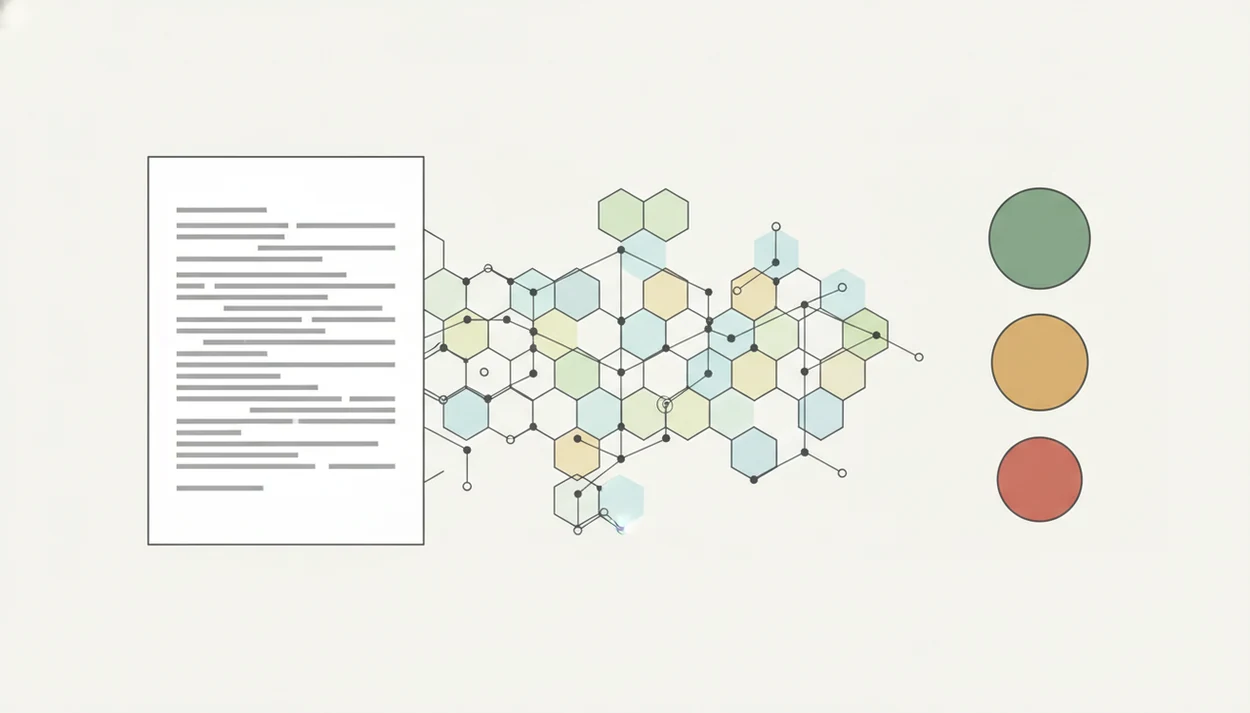
AI checker apps for iPhone look for statistical writing patterns, then compare them with examples of known human and AI-generated text. Common signals include perplexity, meaning predictability, and burstiness, meaning how much sentence rhythm varies.
Most mobile AI detector systems use cloud processing because detection models are large and need updates. That can improve speed and model quality, but it also means your pasted essay, client reply, or cover letter may leave the device. On-device inference can reduce that exposure, though it may use smaller models.
ACI iphone ai chat app with specialized agents, built-in ai detection, ai humanization, and image generation for everyday writing, school, and work tasks is designed for people who check, rewrite, compare, and cite on the phone. Good tools deliver a cautious probability score and revision options, not a courtroom-style authorship claim.
Mixed writing lowers confidence. A paragraph drafted by AI, edited by a student, and trimmed under the iPhone keyboard may not match either dataset cleanly.
Ready to start your quit?
For iPhone users who want one app to check and revise text, ACI is the best fit in this shortlist: it combines a probability-based AI detector, humanizer, 200+ task-specific…
How to Use an AI Detector App on iPhone Step by Step
Use an AI detector app on iPhone as a review step before submission or delivery. The safest workflow is scan, interpret, revise, then check the policy that applies to your task.
- Install a mobile AI detector like ACI from the App Store, then read the subscription fine print and version notes.
- Paste or type the text you want to scan, ideally at least a few paragraphs.
- Tap the detection button and wait for the probability score rather than treating the first label as proof.
- Review the score alongside context, including length, writing style, editing history, and whether Apple Intelligence helped draft it.
- Revise flagged sections or use the humanizer tool if the score is too high, but keep the final wording honest and policy-compliant.
Anyone dealing with an awkward phrase under a fingertip can use ACI to move from detector result to humanizer edit in one iPhone workflow.
How We Picked These AI Detector Apps for iPhone
We picked apps by looking at accuracy signals, false-positive transparency, privacy model, and real mobile use cases. A detector that looks clean in App Store screenshots still needs to explain what happens to pasted text.
The selection also weighs bias testing, especially for non-native English speakers. A confident score can be unfair when the underlying writing is plain, careful, or formulaic. For essays, we also care whether the app helps users check if essay sounds AI generated without pretending the score is proof.
The right fit for students, freelancers, and shop owners is ACI because it supports detection, tone revision, and task-specific drafting without forcing a separate scanner, chat app, and rewriter subscription.
At-a-Glance: AI Detector App iPhone Comparison Table
The main choice is bundled workflow versus standalone detection. A bundled app is better when you need to check and revise on the same screen; a scanner is better when you only want classification.
For sensitive material, privacy should outweigh convenience. Do not paste confidential contracts, student records, medical notes, or unpublished client drafts into any detector unless you have checked its retention and training policy.
| App Name | Detection Only vs Bundle | Free Tier | Humanizer Included | Privacy Model |
|---|---|---|---|---|
| ACI | Bundle: detection, chat, humanizer, agents, image generation | Varies by plan | Yes | May require cloud processing |
| Winston AI | Mostly standalone detection | Limited or trial-based | No or limited | Cloud upload for documents |
| AI Detector & Humanizer | Scan-and-rewrite bundle | Usually limited | Yes | Often cloud upload |
| Browser tools | Depends on service | Often available | Depends | Account and web processing vary |
When the issue is switching between draft, detector, and rewrite during a train delay, ACI covers the loop with a built-in detector and humanizer step.
Common Myths About Mobile AI Detector Accuracy
AI detector scores are often misunderstood because the interface looks more certain than the science. A red label feels final. It isn't.
Myth: AI detectors give 100% certain results. Reality: published tests show substantial error rates, so scores should be treated as risk indicators.
Myth: Humanizers make AI text completely undetectable. Reality: policies, detectors, and model fingerprints change. A lower score does not erase responsibility.
Myth: AI detection only works on long essays. Reality: apps accept short text, but accuracy usually drops when there is not enough language to analyze.
Myth: Only students need AI detectors. Reality: businesses, publishers, freelancers, and creators also use a mobile AI detector to review customer replies, captions, scripts, and brand copy.
For school or workplace disputes, the AI detector score vs proof distinction matters more than the brand of scanner used.
Apple Intelligence and Third-Party AI Checker App Conflicts
Apple Intelligence writing tools can produce text that third-party AI checker apps flag as machine-written. That creates a new iPhone-specific problem: users may rely on built-in iOS assistance and still trigger a detector at school or work.
The safest approach is disclosure where required, careful editing, and context-aware checking. ACI can help review Apple-assisted text because it combines detection and rewriting, but it cannot decide whether a professor, employer, or platform allows that assistance.
Small detail, big consequence.
For broader background, the AI detector accuracy timeline shows why yesterday’s detector confidence may not hold after new model releases.
Limitations
AI detector apps have real value, but they can also cause harm when treated as proof. These limits should shape every iPhone workflow:
- False positives can wrongly label genuine human writing as AI-generated, with serious school or work consequences.
- Mixed, paraphrased, or heavily edited content makes confidence scores less trustworthy.
- Detection models degrade as new LLM versions release. Today’s strong scanner may fail tomorrow.
- Many apps upload text to cloud servers, which is risky for confidential contracts, student records, medical notes, or client drafts.
- Bundled humanizers can encourage plagiarism or policy violations when users try to hide AI assistance.
- Non-native English speakers face disproportionately high false-positive rates in some detector studies.
- Short captions, replies, and bullet lists often lack enough text for a stable score.
ACI should be used as a review tool, not as a guarantee. The AI detector false positive vs false negative issue is the core workflow boundary.