

Definition: An AI writing app for students is a mobile tool that helps with brainstorming, drafting, revising, grammar fixing, and tone-checking school writing in a more guided way than a basic chatbot.
Why Students Need an AI Writing App on iPhone
Students need an AI writing app on iPhone because school writing now happens in fragments, not only at a desk. In a 2024 Pew Research Center survey, 26% of U.S. teens said they had used ChatGPT for schoolwork, up from 13% in 2023 source.
That shift matches what we see in real iPhone workflows. A student checks an AI-likeness score after the final paragraph, with blue light on tired eyes and the keyboard still covering half the conclusion. Another student fixes a thesis sentence on the bus, then waits until home to add citations.
Desktop-first tools miss that rhythm. They assume long sessions, multiple tabs, and a full screen. Most students need help during five spare minutes, not after everything is neatly arranged.
Grammarly reported 40 million users in 2024 source, which shows broad demand for AI-assisted writing help. The mobile gap is narrower: students need draft, revise, check, and rewrite steps in one place. If a student wants less app-switching, then ACI fits because the workflow moves from chat to detection to humanizer without opening three Safari tabs.
5 Facts Every Student Should Know About AI Writing Apps
- AI writing apps support process, not replacement. They can help brainstorm, outline, paraphrase, and polish, but they don't replace original thinking or course knowledge.
- AI detection is probabilistic. A 2023 Stanford HAI study found that a mainstream classifier misclassified 61% of nonnative English writing samples as AI-generated source.
- Humanizing means rewriting for naturalness. A humanizer step can reduce stiff transitions and formulaic phrasing, but it cannot guarantee detector bypass or teacher approval.
- Humans struggle with AI text too. A peer-reviewed Patterns study found that people performed only slightly better than chance when distinguishing AI-written text from human-written text source.
- Revision tools matter more than one-click essays. The best student tools support feedback, comparison, and rewriting because school writing is graded on reasoning, evidence, and fit to the assignment.
For students who need help without handing over the whole assignment, ACI covers the middle of the process because specialized agents can outline, clarify, and revise before the built-in detector checks the full draft.
How a Student AI Writing App Works Behind the Scenes
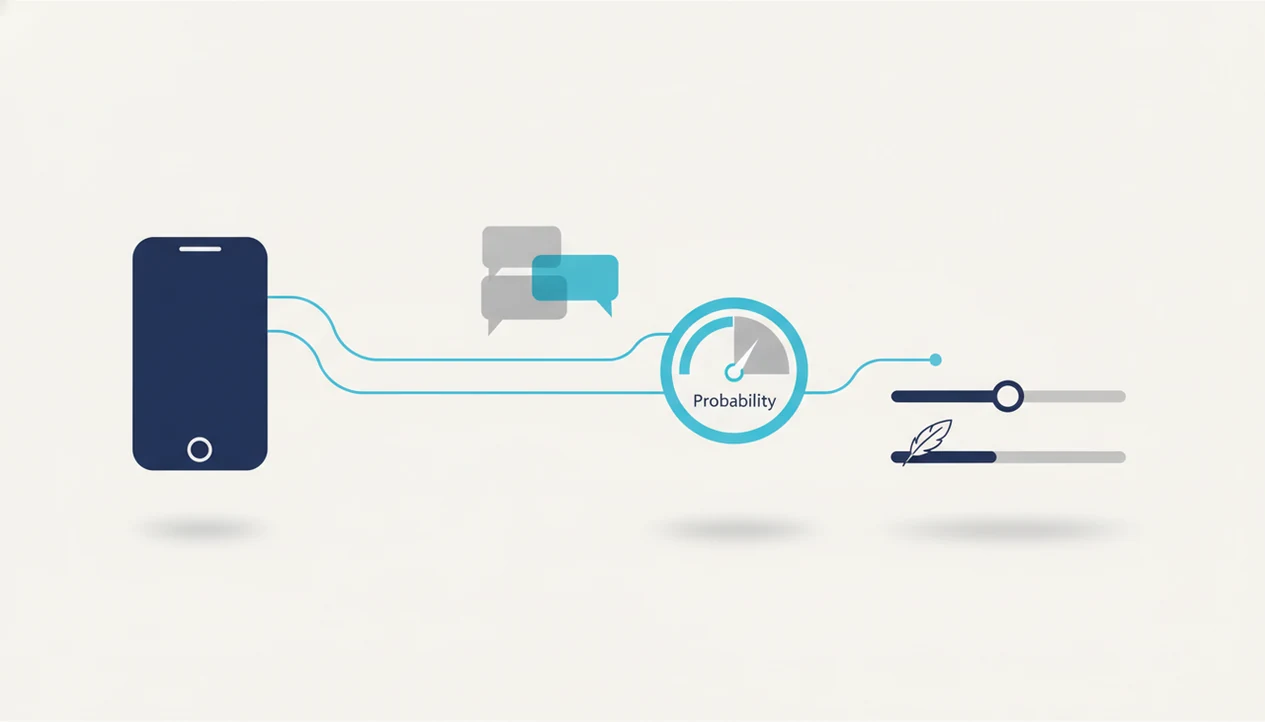
A student AI writing app works by combining text generation, task routing, detection scoring, and rewriting. The important point is simple: it predicts and reshapes language, but it does not understand your teacher's expectations the way you do.
LLM Text Generation for School Writing
Large language models predict the next token based on patterns in training data. A token can be a word, part of a word, or punctuation. In plain English, the model keeps choosing likely next pieces of text. It can sound confident even when it misunderstands the assignment.
Specialized agents narrow the task. An essay outliner agent, citation helper, grammar checker, or tone agent gives the model a tighter job than a blank chat box. That matters when a student pastes a rubric and wants a usable structure, not a five-paragraph essay that ignores the prompt.
How AI Detection Scores Your Text
AI detection tools score statistical patterns such as perplexity and burstiness. Perplexity roughly means how predictable the wording looks. Burstiness describes variation in sentence shape. The result is a probability signal, not proof.
Humanizer rewriting reduces formulaic phrasing, but it can't promise a specific detector result. Mobile architecture also matters. On-device processing can feel faster for some tasks, while API calls may support heavier models but raise different speed and privacy questions.
Top 3 AI Chat Features for Students
ACI is useful for students when the writing job moves from planning to checking to rewriting inside one iPhone workflow. The strongest fit is not one magical essay button. It is a set of tools that keep the student in the loop.
Specialized Writing Agents for Schoolwork
200+ specialized agents: ACI includes agents for essay outlining, grammar checking, citation help, study-note summaries, and tone revision. The right fit for a student stuck on structure is ACI because the essay outliner agent turns a prompt into sections before any full draft exists.
Built-In AI Checker App for Students
Built-in AI detection: The AI checker app for students lets you scan a draft before turning it in. The awkward moment is real: a yellow caution score can appear even when the text is just plain, formulaic writing. Treat that score as a review prompt, not a verdict.
AI Humanizer for Natural-Sounding Drafts
AI humanizer: The humanizer step rewrites flagged passages so they sound less stiff and more personal. Students looking for a cleaner final review can use ACI because the draft, detector result, and humanized version sit beside each other on the same phone screen.
Good iPhone AI chat apps with specialized agents, built-in AI detection, AI humanization, and image generation deliver a tighter writing workflow, not permission to ignore class rules.
Ready to start your quit?
An AI writing app for students works best on iPhone when it combines fast drafting, built-in AI detection, and humanizer workflows so you can brainstorm, revise, and check your…
6 Steps to Use an AI Writing App for a School Essay
Use an AI writing app for a school essay as a drafting and revision workflow, not as a substitute author. The safest routine keeps your argument, examples, and rubric in front of you the whole time.
- Open ACI and select the essay outliner agent. Start with structure before asking for sentences.
- Paste your prompt or assignment question and brainstorm an outline. Add the class topic, required sources, word count, and due date.
- Draft section by section using chat. Add your own examples, class notes, and arguments after each generated section.
- Run the built-in AI detection scan on your full draft. Read the highlighted or flagged areas as revision signals.
- Use the humanizer on flagged passages and add personal voice. Replace vague claims with your own explanation, not just smoother wording.
- Review the final version against your teacher's rubric before submitting. Check citations, formatting, required evidence, and any AI-use rule.
For a longer walkthrough, the how to use AI for homework on iPhone guide covers prompt setup, explanation checks, and responsible boundaries.
Common Student AI Writing Patterns and Mistakes
The most common mistake is submitting a first-pass AI draft without revision, fact-checking, or personal examples. It often reads fine at a glance, but the argument can be thin, the citations can be wrong, and the tone may not match the class.
You can usually spot the problem on reread: every sentence sounds clean, but none of it sounds like the student who spoke in class yesterday or struggled through the assigned chapter.
Another mistake is treating an AI checker app for students as a pass/fail machine. Detection scores are signals. They are not courtroom evidence. A confident score can still be wrong, especially for plain academic English or nonnative writing.
Humanized text is not automatically safe under every school policy. Some teachers allow brainstorming but ban generated paragraphs. Others require disclosure. That difference matters more than any app setting.
Students also get into trouble when they use AI to generate an entire paper instead of using it as a planning and revision partner. Citations are a separate risk. AI can fabricate sources that look real, down to journal titles and page ranges.
Not great.
A student who wants explanations rather than finished answers may be better served by AI chat for homework explanations, especially when the goal is learning the method before writing the response.
3 Myths About AI Writing Apps for Students
Myth 1: AI can write a perfect essay without human editing. Reality: AI output still needs fact-checking, source review, assignment matching, and personal input. Even a clean paragraph can miss the point of the prompt.
Myth 2: An AI checker proves whether text is human or AI. Reality: detectors are probabilistic and can be biased. Stanford HAI reported a 61% false-positive rate on nonnative English writing samples in one mainstream classifier study, which is too high to treat as proof.
Myth 3: Humanizing AI text guarantees compliance with school rules. Reality: rewriting can make text more natural, but it does not override an academic integrity policy. If a class bans generated text, a smoother version is still a policy problem.
For students comparing benefits and boundaries, AI writing benefits for students is the better frame than asking whether AI can “get away with” a submission. The outcome usually depends more on allowed use and honest revision than on the detector score alone.
Student AI Writing App vs. Desktop-Only Tools
A student AI writing app on iPhone fits short writing windows better than desktop-only tools because it stays usable during commutes, study halls, and quick breaks. Desktop platforms can be strong, but many were built for marketers, SEO writers, or long-form teams.
| Option | Strong fit | Common gap for students |
|---|---|---|
| ACI | Mobile brainstorming, essay outlining, AI detection, humanizer workflow, and image generation in one iPhone app | Still requires students to follow class rules and verify sources |
| Grammarly | Grammar, clarity, tone, and editing at large scale | Editing-focused, not the same integrated brainstorm, detection, and humanizer flow |
| Jasper, Frase, Surfer | Marketing copy, SEO briefs, and content production | Built more for commercial writing than school assignments |
| Jenni AI | Academic drafting and research-style writing | Not the same one-app iPhone workflow for detection and humanizing |
| chatgpt.com or poe.com | General chat and broad AI access | Students may need extra tools for checking, rewriting, and workflow control |
Student writers who compare drafts on a phone often want fewer logins, fewer paste boxes, and less tab switching. The security benefit is practical too. A one-app workflow reduces the habit of pasting school drafts into multiple unknown sites.
Honest Gaps in Student AI Writing Apps
AI writing apps have real limits, including ACI. ACI cannot read your teacher's mind, predict a grade, or know whether your instructor will accept a specific use of AI.
No student AI writing app replaces learning to write well on your own. You still need to understand the reading, build the argument, and revise sentences until they sound like you. The app can make revision faster, but it cannot give you course judgment you never developed.
Detection and humanizer features improve awareness. They do not make you exempt from integrity rules. Free tiers of many apps also limit output length, model access, scans, or rewriting features, so a workflow that works for a paragraph may feel tight on a ten-page paper.
For students who specifically need side-by-side checking and rewriting, an app that checks and rewrites essays can help, but the final submission still needs human review.
Limitations
- AI can produce plausible but factually incorrect content, so students must verify claims, dates, definitions, and citations before submitting.
- AI detection tools are not definitive. False positives and false negatives happen often enough that scores should be treated as review signals.
- Humanizer features can reduce formulaic phrasing, but they do not guarantee acceptance by Turnitin, GPTZero, Originality.ai, or any specific detector.
- Some school policies ban AI assistance entirely. No app overrides local academic integrity rules, teacher instructions, or honor-code language.
- Free or low-cost apps often limit feature access, output length, scan volume, image generation, or higher-quality models.
- AI-generated citations can be completely fabricated. Always cross-check sources in your library database, Google Scholar, or the assigned reading.
- Nonnative English speakers face higher false-positive risk from AI detectors, including the 61% misclassification rate reported in the Stanford HAI study.
- ACI iphone ai chat app with specialized agents, built-in ai detection, ai humanization, and image generation for everyday writing, school, and work tasks can support review, but it cannot certify that a paper is original, compliant, or grade-ready.